Add Your Photo to the New CTS Map
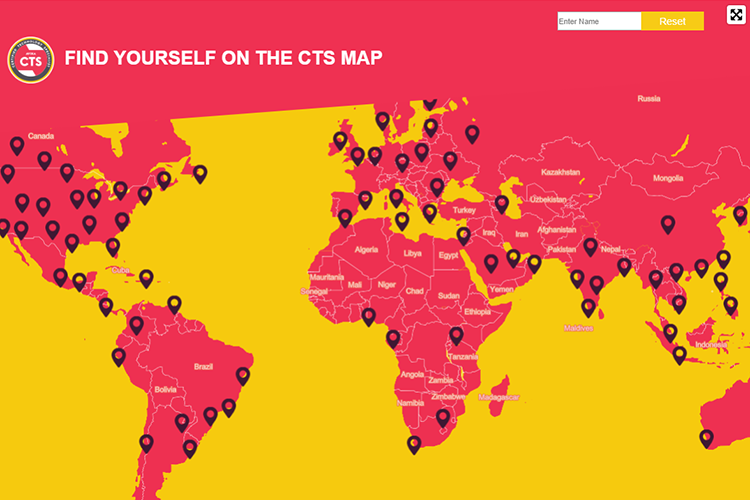
At InfoComm 2020, we’re unveiling new ways to celebrate CTS holders. One of those ways is an interactive map.
Search for your name and pull up your information on a giant screen … including your photo!
Here’s how to add your photo:
- Log in to your AVIXA dashboard
- On the left-side, click “Edit Your Profile”
- Click “Upload Profile Photo”
- Pro Tip: Choose a portrait photo, not a landscape photo
Already have an AVIXA profile photo? It will automatically be pulled into the new map.
Whether you’ll be at InfoComm 2020 in person or in spirit, this new CTS Map will make you part of the experience. Don’t miss your chance!