


Start Your Organization’s Journey With Us
Hi there and welcome to AVIXA!
To get your team on board and have them claim their benefits, you’ll need to do a few things.
- Add your Elite Team Members
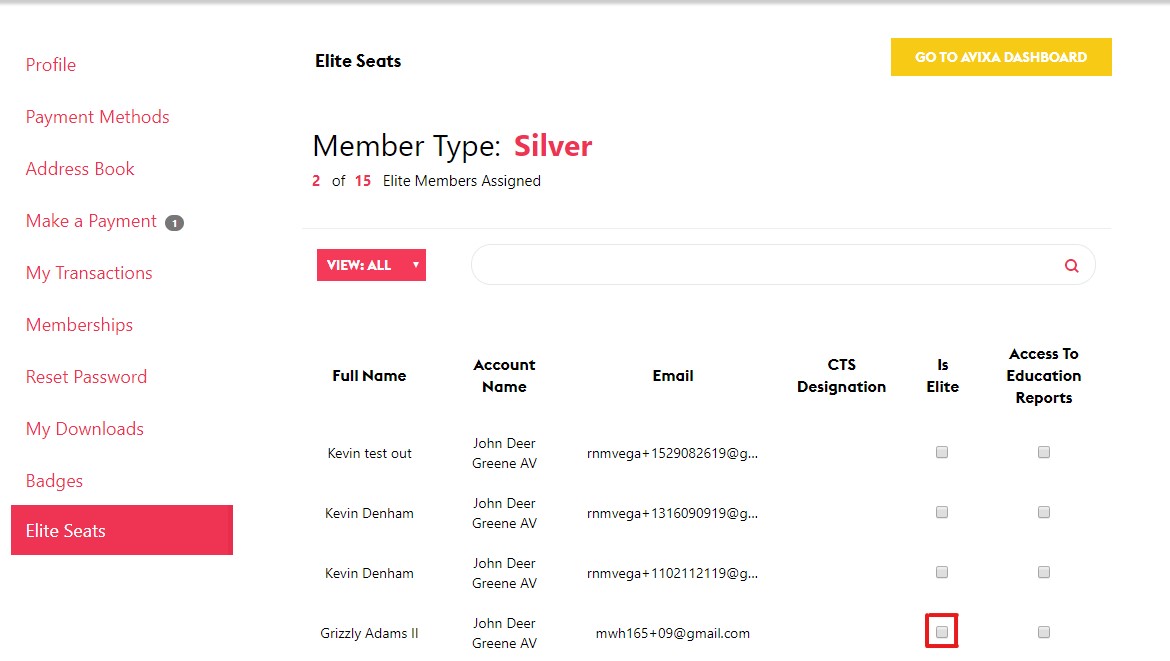
Login to your dashboard and click the Elite Roster tab. Check the box in the column next to the team members you'd like to designate as Elite. Be sure to click the "Save Changes" button when you're done to confirm your selections. - Remind your team to claim their member benefits
Forward your team the link below and they’ll get directions on how to get started. Remember, everyone on your roster is eligible for Premium member benefits. You may also want to send a separate email to your selected Elite team members so they know to look for their Elite status on their member dashboard and on AVIXA's training platform.
Read step-by-step instructions
Having difficulties signing on or connecting your organization? Contact us for assistance.